Guided walkthroughs
A walkthrough takes you through the real app, one step at a time. It lights up the button to press and explains why.
Why it mattersYou learn where things are by actually using them.
How to do it
- Step 1: Press Walkthroughs in the top menu.
- Step 2: Pick one and press Start.
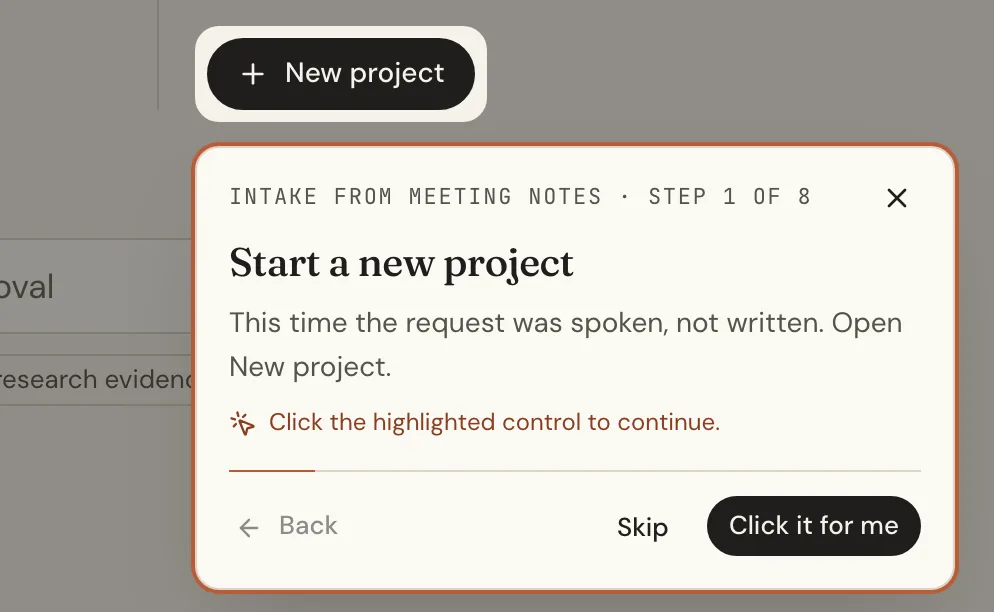
- Step 3: Read the note. Press the lit-up button, or press Click it for me.
- Step 4: Use Back and Next to move. Press Skip to jump past a step.
- Step 5: Press Esc or the × to leave at any time.
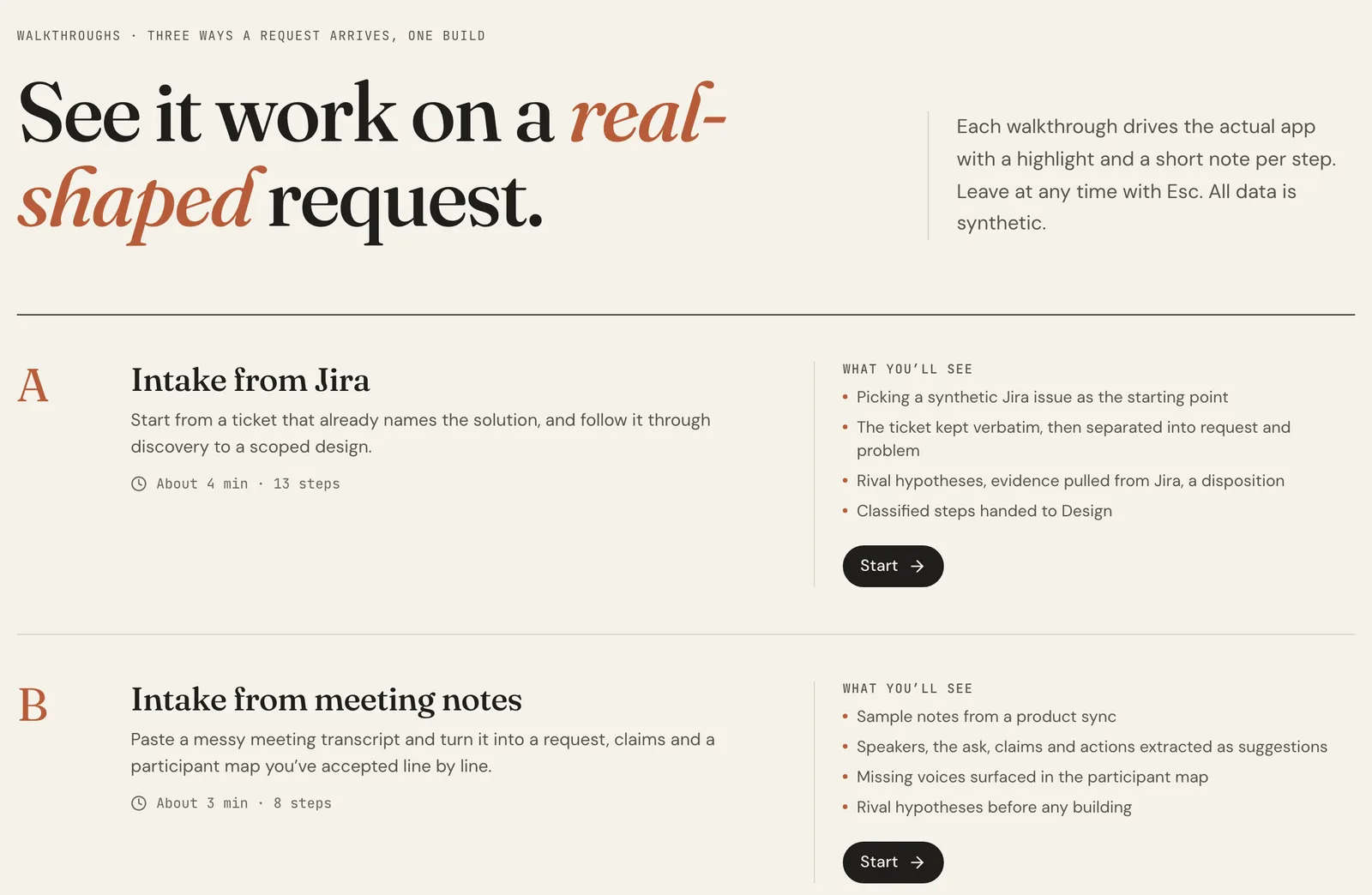
- A · Intake from JiraStart from a ticket that already names the solution, and follow it through discovery to a scoped design. About 4 minutes.
- B · Intake from meeting notesPaste a messy meeting transcript and turn it into a request, claims and a participant map you’ve accepted line by line. About 3 minutes.
- C · Iterate an existing projectTake a project that’s already running, ask for a change, and reopen only the discovery the change touches. About 3 minutes.
- D · Build an agent workflowFollow the decisions from a finished diagnosis into a running workflow, and see every step keep the reason it exists. About 5 minutes.
Demo videos
Short narrated videos, recorded from the real app. Three follow the walkthroughs. Three are shorts under a minute.
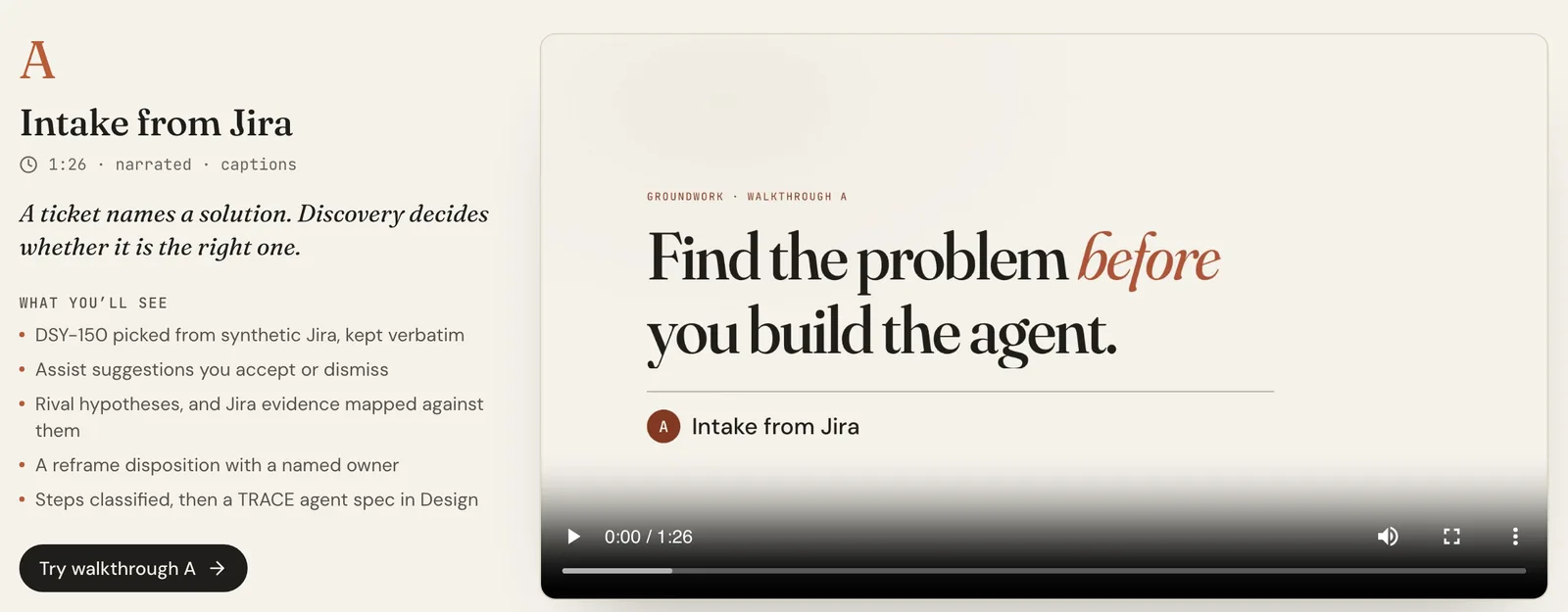
- A · Intake from JiraA ticket names a solution. Discovery decides whether it is the right one. 1:26 long.
- B · Intake from meeting notesA meeting is a source, not a spec. Accept it line by line. 1:13 long.
- C · Iterate a published agentEvery change is a new request. Reopen only what it touches. 1:25 long.
- D · Rivermere: from diagnosis to workflowEvery step keeps the decision that put it there. 0:52 long.
- E · Sprint review: composing nested sub-workflowsNest the work. Keep the human where the risk is. 0:58 long.
- F · Insight router: one request, split into two workflowsSplit the problem. Give each part only the autonomy it has earned. 1:01 long.